Recommended Products
- No recommended searches
Suggestions
- No Suggestions
Site Pages
- No Related Site Pages

Learn about the Foton 30 Automated Pouch-Free Laminator from GBC. This page contains how-to videos, operator manual, troubleshooting guide and more.
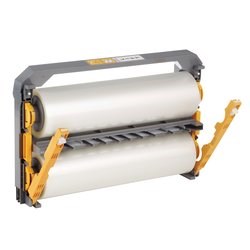
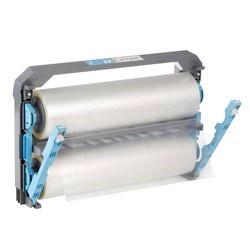
GBC® Foton® 30 Automated Pouch-Free Laminator machine is designed to eliminate common pain points. It feeds, laminates and trims for you. This machine uses auto-threading film cartridges, which means you no longer need to open individual pouches and feed them one-by-one. Plus, the reloadable cartridge can only load one way, which eliminates film loading errors. Watch the video to see for yourself.

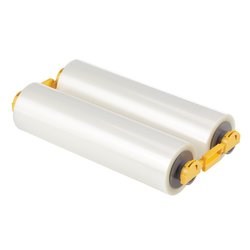
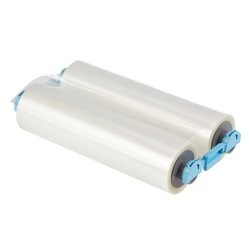
The lamination cartridges for the Foton 30 are gloss only. We do not have a matte option.
Foton 30 can laminate documents up to 17" on auto mode. However, on manual mode, it can laminate documents that are as long as the film you have remaining on the cartridge. Just be sure your document to be laminated is aligned with the feed tray slide guides, and flip out the extension for longer documents.
No, Foton 30 will not laminate or trim a small card. The minimum size item that it can laminate is 5"W x 6"L.
Try these steps to clear a Foton 30 laminator jam:
1. Open the feeder door, and remove any paper from the feeder tray. Close the feeder door.
2. If the above does not clear the error, press and hold the RUN button for 10 seconds to manually feed film. Film should begin to exit the machine and the Jam should clear.
3. If the Jam error remains, open laminator door and look to see if film leader is caught on an obstacle or the rollers. DO NOT CUT the film. Lift-up the film leader and replace it in proper position. Shut the Foton 30 Laminator door and hold the run button for 10 Seconds. Here is a link to our video about How to Clear a Jam from your Foton 30.